Quote follow-up software for trades and shops
Every trade quotes differently. The follow-up should too.
Pick your trade to see a typical quote, the cadence we'd start you on, and what changes in your busy season.
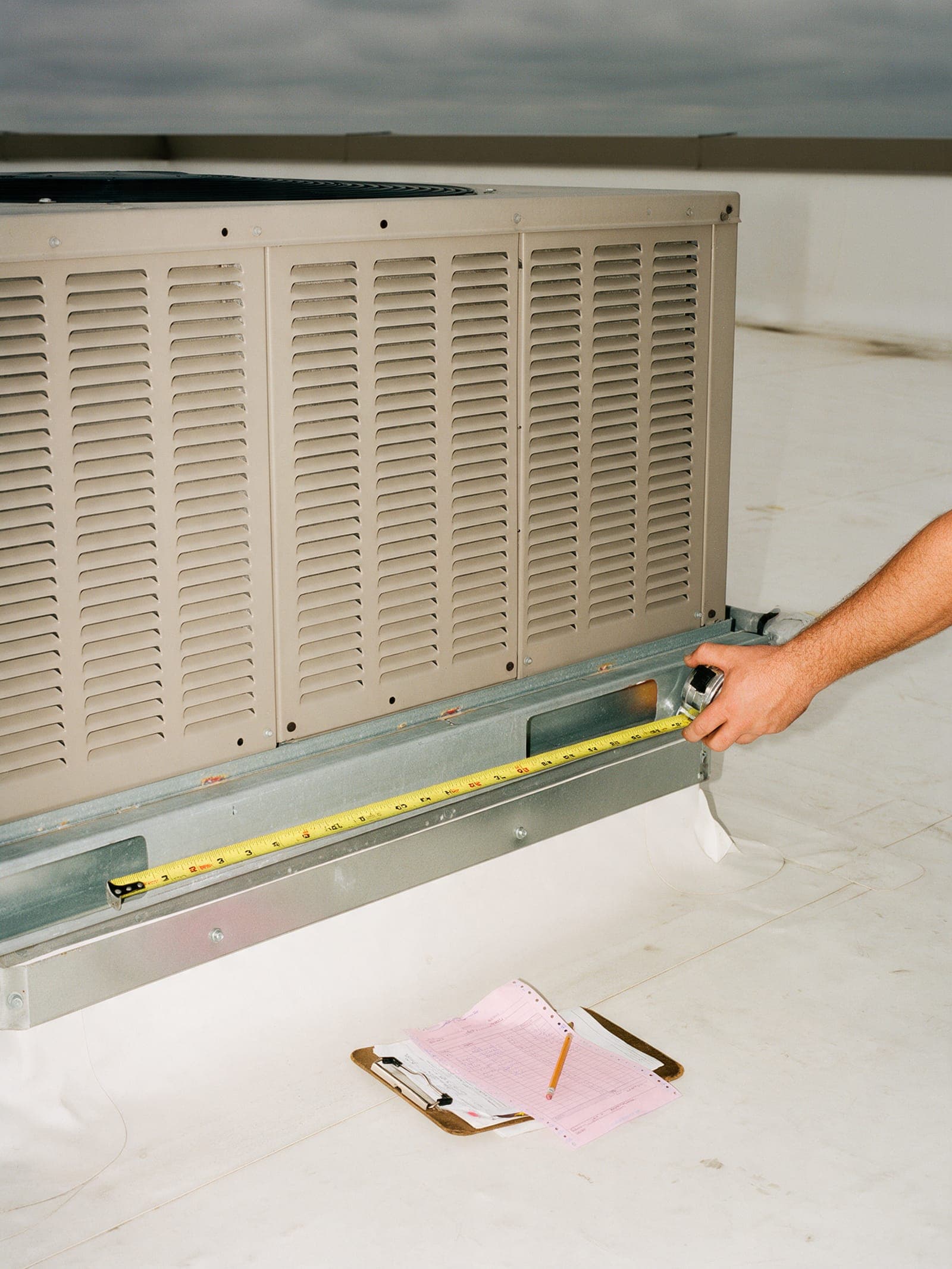
Heating and cooling
Replacement quotes don't wait for the first cold night.
Typical quote · $28,400.00 · rooftop unit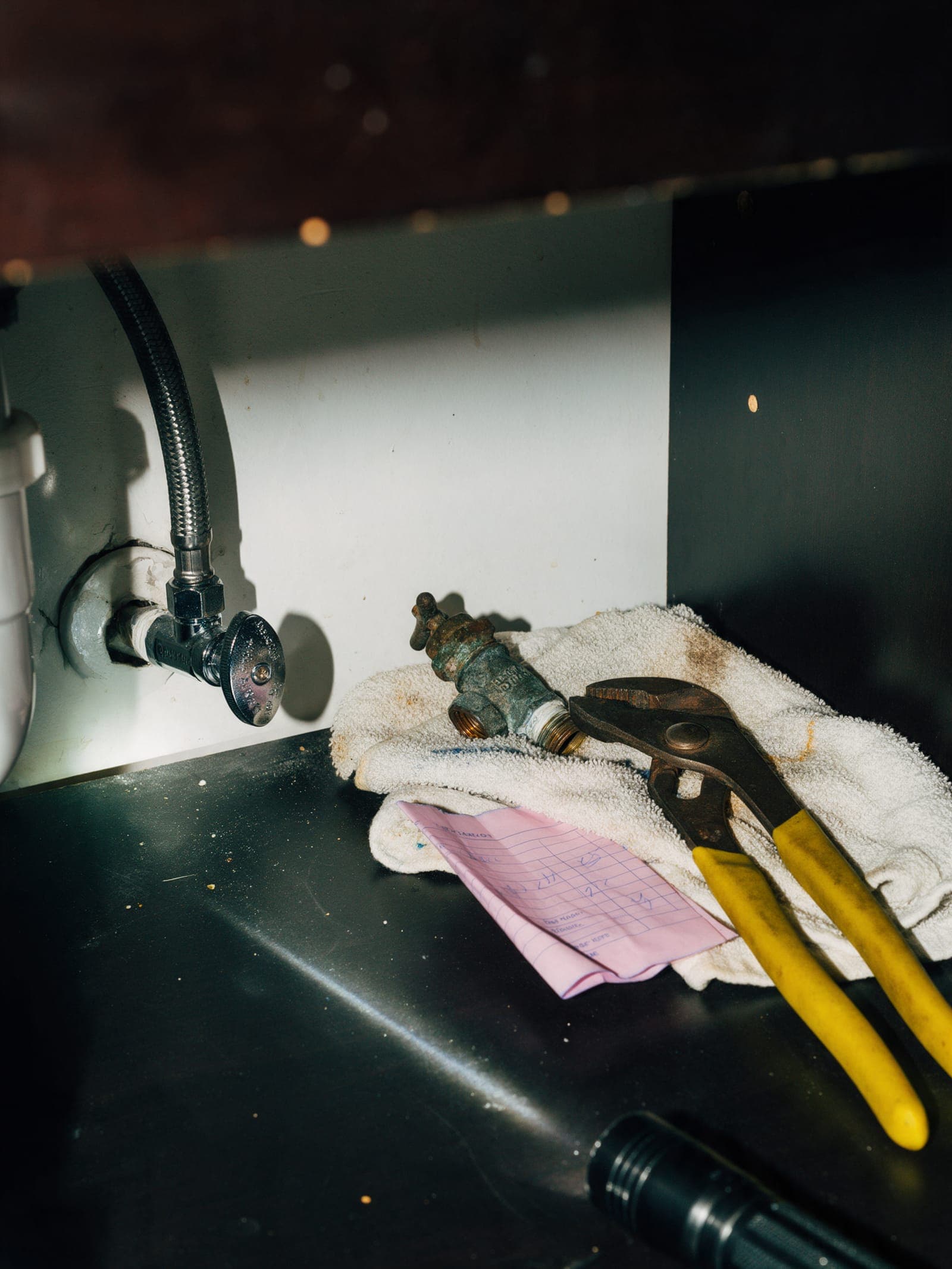
Plumbing
The sewer line quote that sat in a glovebox for a week.
Typical quote · $2,980.00 · sewer line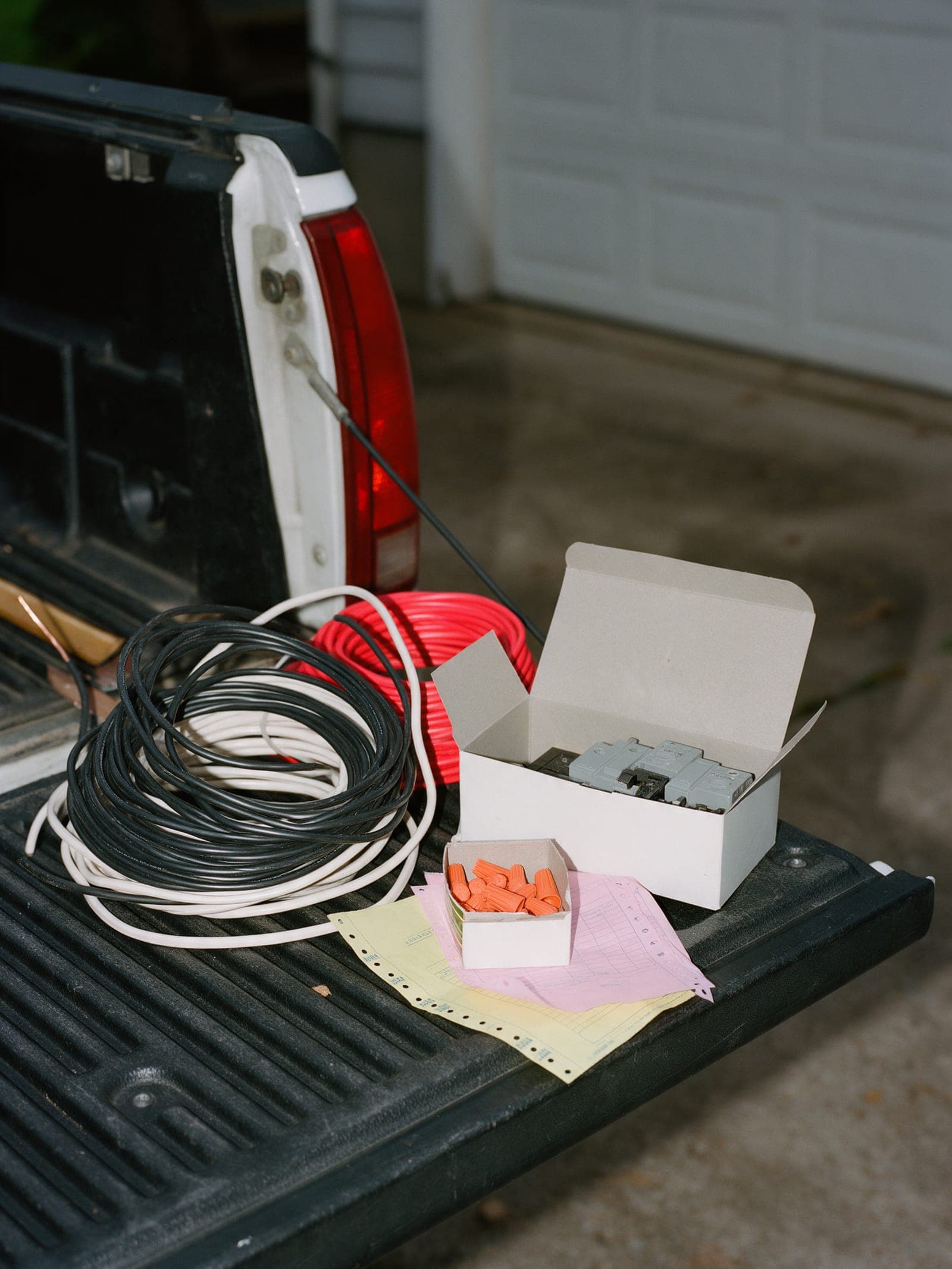
Electrical
Panel upgrades take a decision. Give them the options in writing.
Typical quote · $5,980.00 · panel and charger circuit
Roofing
After the storm, the first written quote wins.
Typical quote · $18,600.00 · tear-off and re-roof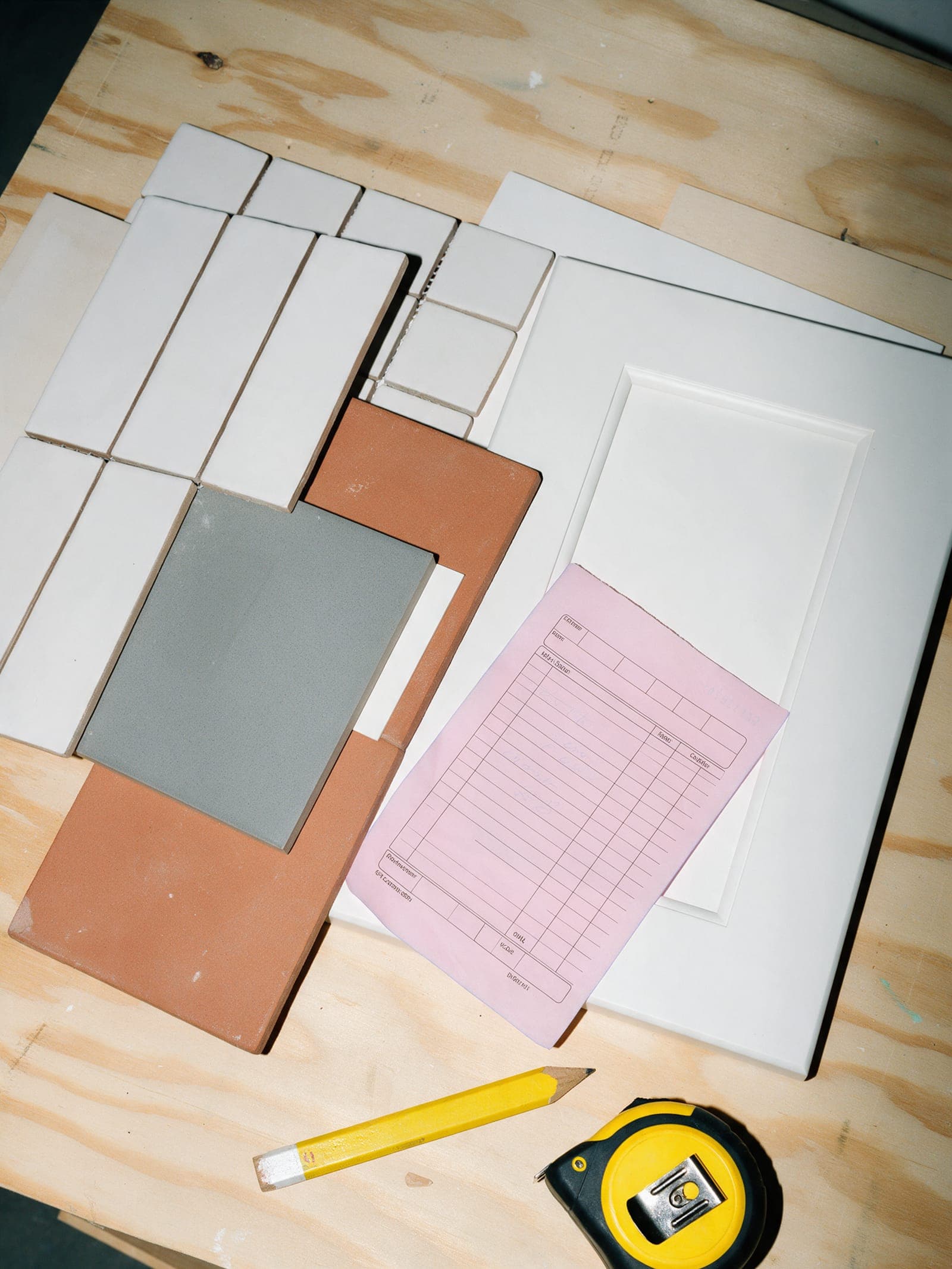
Remodeling
Big quotes, long decisions, three revisions.
Typical quote · $48,200.00 · galley kitchen, Rev C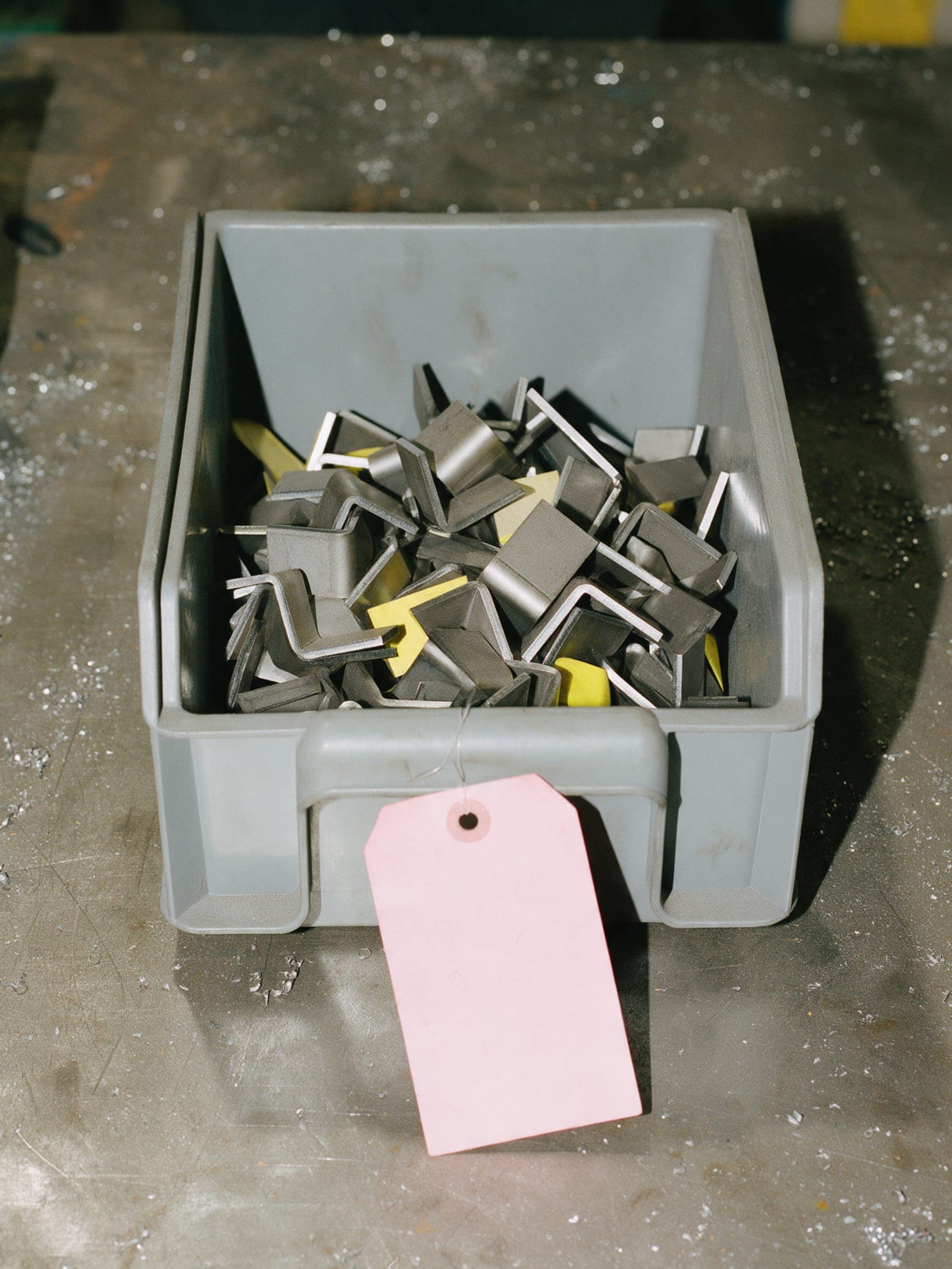
Fab and sign shops
The shop quote that needs a proof approved before anyone signs.
Typical quote · $6,240.00 · channel letters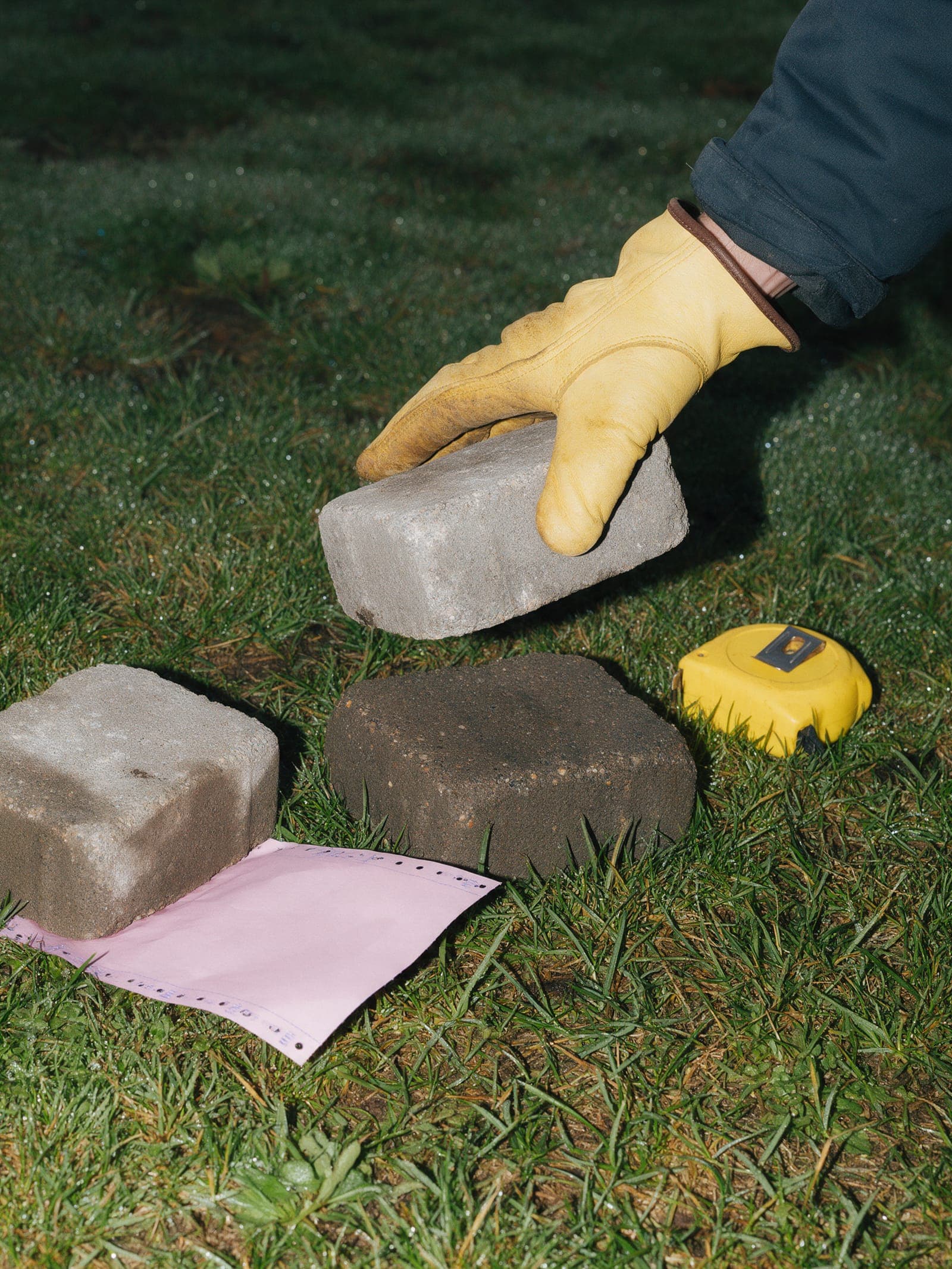
Landscaping
In March, everyone wants a patio by June.
Typical quote · $16,180.00 · paver patio and seat wall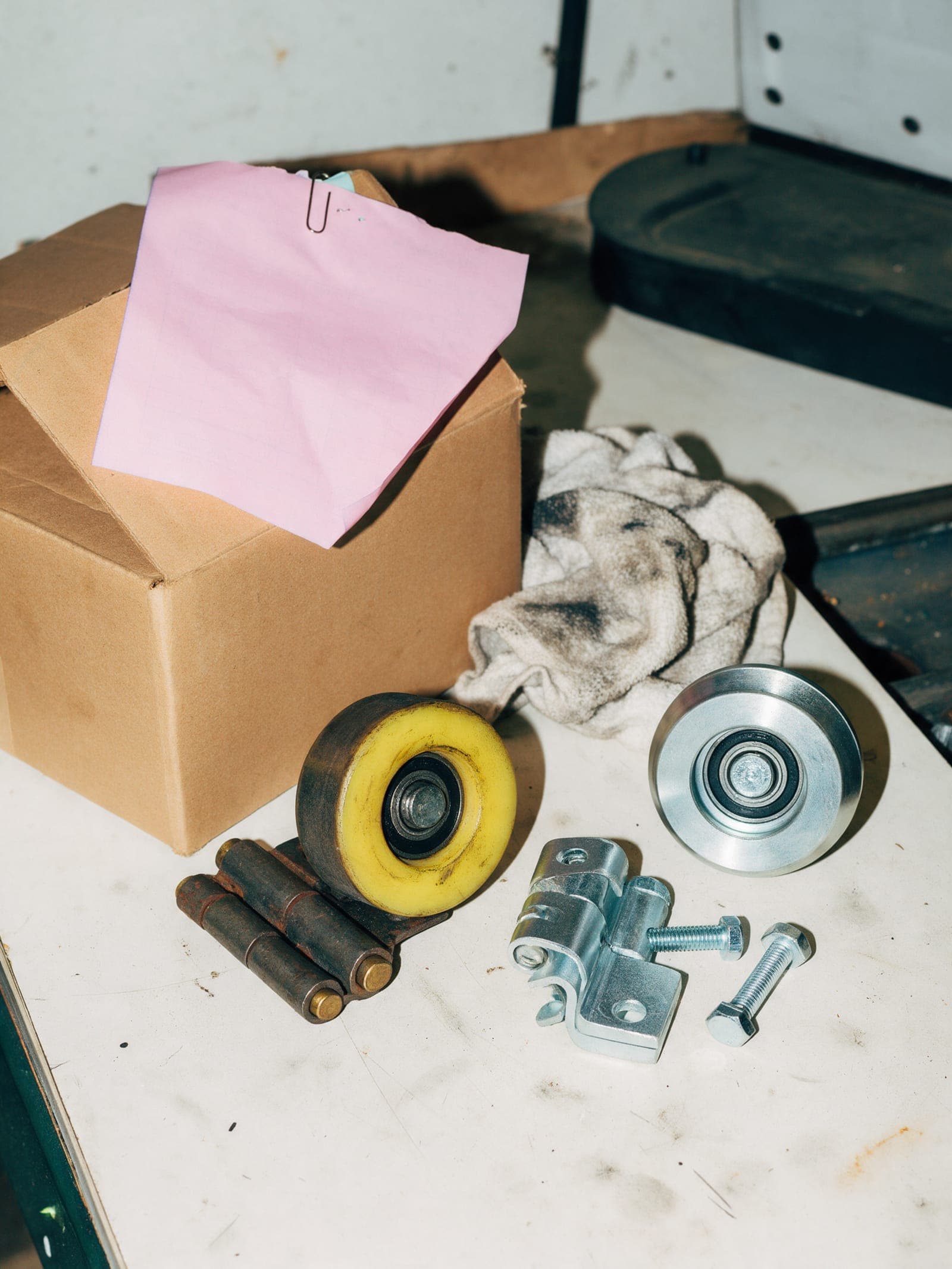
Garage doors
The spring snapped at 6 am. The new door is still a maybe.
Typical quote · $3,820.00 · door and opener replacement
Painting
They loved the estimate. Then they couldn't pick a color.
Typical quote · $6,470.00 · two-bedroom interiorStarting cadences, side by side.
Starting points. Change any of them in the app.
| Trade | Cadence | Steps | Busy season |
|---|---|---|---|
| Heating and cooling | Replacement, heating season | D1 text · D3 email · D6 call · D12 text | October to January |
| Plumbing | Small ticket | D1 text · D4 text | December to February |
| Electrical | Two decision makers | D2 email · D5 text · D9 call | March to June |
| Roofing | Storm week | D1 text · D3 call · D7 email | After every storm, then September and October |
| Remodeling | Design-stage remodel | D3 email · D7 call · D14 email · D21 text | January to April |
| Fab and sign shops | Commercial bid | D3 email · D7 call · D14 email | Spring storefronts, then year-end budgets |
| Landscaping | Spring patio | D2 text · D6 email · D10 call · D20 text | March to May, then September |
| Garage doors | Same-week door | D1 text · D3 call | November to January |
| Painting | Color decision | D2 email · D5 text · D9 call | April to June, then September |
The same everywhere.
Not on the list?
Pest control, pools, tree work, flooring: if you send estimates and wait for answers, it works the same way. The playbooks show three cadences written out word for word.
Pick your trade when you sign up.
Its starting cadence is loaded before your first quote goes out. Change the days and the words whenever you like.